Your week-by-week plan to ditch spreadsheets
“The sheet broke.” Every admin’s nightmare. Here’s how to switch without losing control (or your weekend).
Why “Spreadsheet + WhatsApp” becomes a time bomb
In the beginning a spreadsheet feels perfect: flexible, free, familiar.
Then you add a second coach. Then a third. Then an admin. And suddenly there are three versions of the schedule and no one knows which one is real.
Truth gets spread across chats, comments, and someone’s memory — and you start paying for it every day.
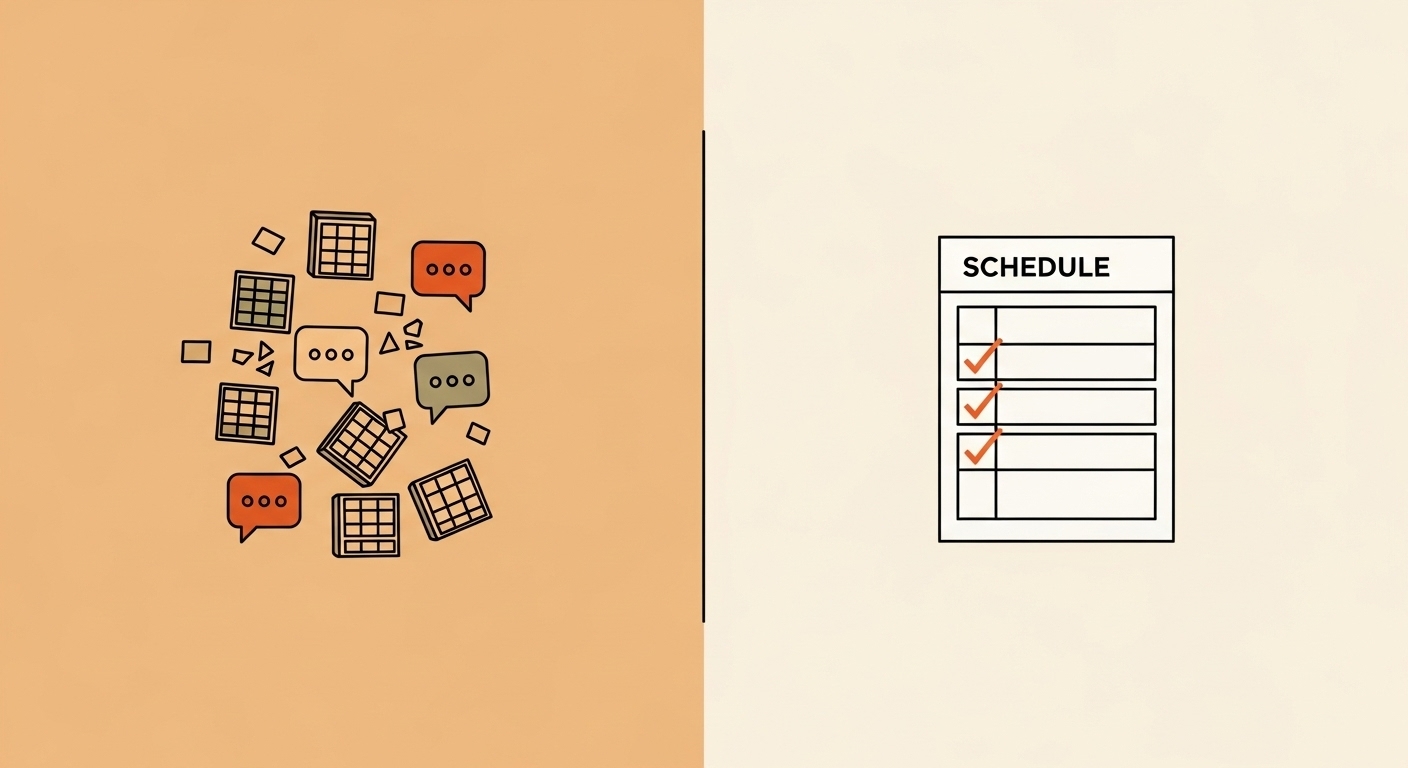
Rule #1: one source of truth
If it’s not in the system — it doesn’t exist.
Client texted you? Put it in the system. Coach moved a session? Update it in the system. One place, one reality.
What NOT to do in week one (so you don’t burn out)
- Don’t migrate years of history. Start from today. Keep the past as an archive.
- Don’t force clients to install anything new. Use Telegram/WhatsApp/email notifications.
- Don’t over-configure. Get the basics working first, then refine.
Your 7‑day plan
Day 1 — collect the essentials
Active clients and staff only. Keep old contacts in an archive.
Day 2 — enter the schedule
Put your real upcoming sessions into the system. This is your foundation.
Day 3 — set simple rules
Series, cancellations, reschedules — keep rules short and understandable.
Day 4 — payments
Start tracking payments in one place. Balances become visible instead of living in your head.
Day 5 — reminders
Turn reminders on (usually they’re on by default) and stop doing “manual pings.”
Day 6 — team access
Give coaches access so they can see their schedule without messaging you.
Day 7 — launch with one group
Run the full flow end‑to‑end with one group, then expand.
A quick story
Marina runs a tennis school with three coaches. Schedule was in a spreadsheet; edits lived in chat.
She delayed switching for months because it sounded “complicated.”
After one week on a single system, the noise dropped. Coaches stopped asking for updates. Clients got reminders. Marina finally had a weekend without a laptop.
How you know it worked
- You didn’t open the spreadsheet all week
- Chats stopped asking “what time is it?”
- You can see end‑of‑week debts instantly
How much time will you free up?
A simple estimate. Most teams feel the difference in the first week.
Your gain:
Enter numbers to see the estimate.
FAQ
Can we switch gradually?
Yes — start with one group or one coach, then expand once the process feels natural.
What do we do with the old spreadsheet?
Freeze it (read‑only) as an archive. The worst mistake is keeping two “sources of truth.”
How fast can a small team do this?
Usually a few focused hours across the week, not a multi‑week project.
Ready to switch?
We’ll help you set up the first week so it feels clean and simple.